FNAF Coop Scripts
ESP / alert loadstrings, feature comparison, executor steps, and anti-cheat risk notes.
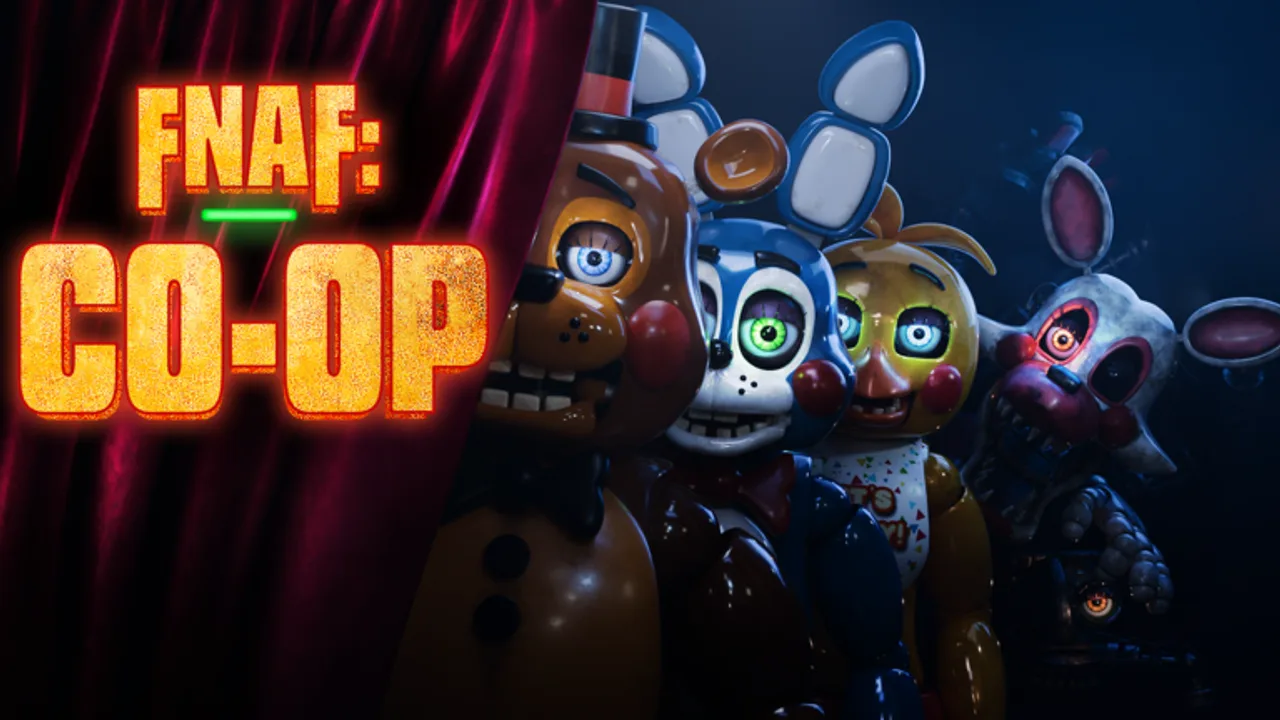
This Scripts Hub collects commonly shared FNAF: Co-op loadstrings that add ESP outlines, NPC detectors, and movement alerts so your squad can call animatronics earlier during co-op nights. Using any executor violates Roblox ToS and can lead to bans—treat everything below as informational for players who already accept that risk. Prefer vanilla play with strong callouts from the How to play guide whenever possible.
FNAF Coop packs FNAF 1–6 recreations plus Basement Hunt and Puppet’s Revenge into 50-player servers. Visibility tools mainly help Night Guards track camera blind spots and help Engineers time stun traps. They do not replace role knowledge from the Roles guide or cash planning from the Codes Hub.
Critical warnings before you execute anything
- Ban risk is real. Detected clients, injected GUIs, and known script hosts are frequent anti-cheat targets. There is no “safe” exploit.
- Never share your Roblox password with an “executor helper” or paid key site.
- Do not use scripts on accounts you care about. Alt accounts still get hardware or IP-linked actions.
- Scripts can break after updates. A revamp of FNAF 1 or Animatronic Mode (see Updates) may invalidate every loadstring overnight.
- Team etiquette: announce if you are using ESP in private friend servers; surprising teammates with wallhacks in public lobbies ruins the horror fantasy.
How to use an executor (high-level)
- Install a third-party Roblox executor you already trust (names change constantly; we do not endorse any specific brand).
- Join FNAF: Co-op on the Current Edition place.
- Attach / inject the executor after the game finishes loading the lobby.
- Paste one loadstring into the executor console and run it.
- Confirm the ESP / alert GUI appears, then start a night. If nothing happens, the script is likely patched—do not spam re-execute.
Only run one ESP stack at a time. Stacking multiple scripts often causes duplicate draws, FPS death, or conflicting hooks.
Featured loadstrings
1. Best ESP (multi-game style)
Broad ESP focused on highlighting relevant entities across co-op maps. Good default if you want simple outlines without a huge UI.
loadstring(game:HttpGet("https://raw.githubusercontent.com/yancielsicard2-arch/FNAF-Co-Op-ESP/refs/heads/main/Fnaf%20Co-Op",true))()Best for: Night Guards learning camera routes on FNAF 1 nights. Pair with FNAF 1 survival.
2. Omniman ESP + alerts
ESP package that emphasizes alerts when threats move—useful when voice chat is noisy or you play with text-only friends.
loadstring(game:HttpGet("https://raw.githubusercontent.com/OMNIMANRUSSIA/FNAFCOOP3OMNIMAN/refs/heads/main/main.lua"))()Best for: Custom Night pressure and late nights where audio cues stack. See Custom Night tips.
3. Detector NPC ESP
Pastebin-hosted detector oriented around NPC / animatronic ESP. Lightweight option when heavier hubs lag on low-end PCs.
loadstring(game:HttpGet("https://pastebin.com/raw/aEjAY4GE"))()Best for: Quick checks during Sister Location or Basement Hunt runs where you need entity dots more than fancy menus.
4. MidasHub ESP + alerts
API-delivered script bundling ESP with alert helpers. Feature set tends to be broader; verify the download still resolves before relying on it mid-event.
loadstring(game:HttpGet("https://api.jnkie.com/api/v1/luascripts/public/8ddc9131969414ea844a63999f71d71db12dbafce4c285a535f2739c0385371c/download"))()Best for: Players who want ESP and audible/visual alerts in one inject—still subject to the same ban risk as every other entry.
Feature comparison
| Script | ESP | Alerts | Notes |
|---|---|---|---|
| Best ESP multi-game | Yes | Limited | Simple outlines; solid starter |
| Omniman | Yes | Strong | Alert-heavy; good for callouts |
| Detector NPC | Yes | Basic | Lightweight Pastebin fetch |
| MidasHub | Yes | Yes | Broader hub-style toolkit |
None of these grant infinite power, auto-close doors, or free Policeman tasers. You still manage power, cameras, and role tasks. For fair-play mastery, study the Tier List Hub and practice roles without cheats.
Fair-play alternatives
If you only wanted scripts because nights feel unfair, fix the fundamentals first:
- Assign one dedicated camera caller and one door closer (How to play).
- Buy Janitor early for cash, then Engineer traps (Players Hub).
- Learn mode routes: FNAF 4 walkthrough, Sister Location, Basement Hunt.
- Watch Latest updates so you are not surprised by AI changes during revamps.
Related pages
- Codes Hub — rare promo cash, not script keys
- Getting Started — lobby, shop, first night
- Guides Hub — full walkthrough index
- Links Hub — official Roblox game and group
- Animatronic Mode — upcoming player-controlled threats may change ESP usefulness
Again: inject at your own risk. This wiki documents what the community shares; it does not promise undetected play, refunds, or support for broken executors.
Frequently Asked Questions
Quick answers for night survival, roles, and co-op play.
Will these FNAF Coop scripts get me banned?
They can. Any executor use violates Roblox rules and may trigger anti-cheat. Never run them on an account you cannot afford to lose.
Which script should I try first?
If you insist on ESP, start with the Best ESP multi-game loadstring for simple outlines, or Omniman if you need stronger movement alerts. Run only one at a time.
Do scripts still work after the FNAF 1 revamp / Animatronic Mode?
Maybe not. Major updates often break hooks overnight. Re-test carefully or stop using scripts after big patches listed on the Updates Hub.
Can scripts redeem codes or give free roles?
No. Codes are redeemed in Menu → Codes, and roles are bought with cash in the shop. ESP tools only change client visuals or alerts.
Is there a safer way to survive hard nights?
Yes—learn role synergies, camera callouts, and mode guides on this wiki. Communication beats wallhacks for consistent clears with friends.